Application Description
Google Calendar keeps you focused on achieving your goals.
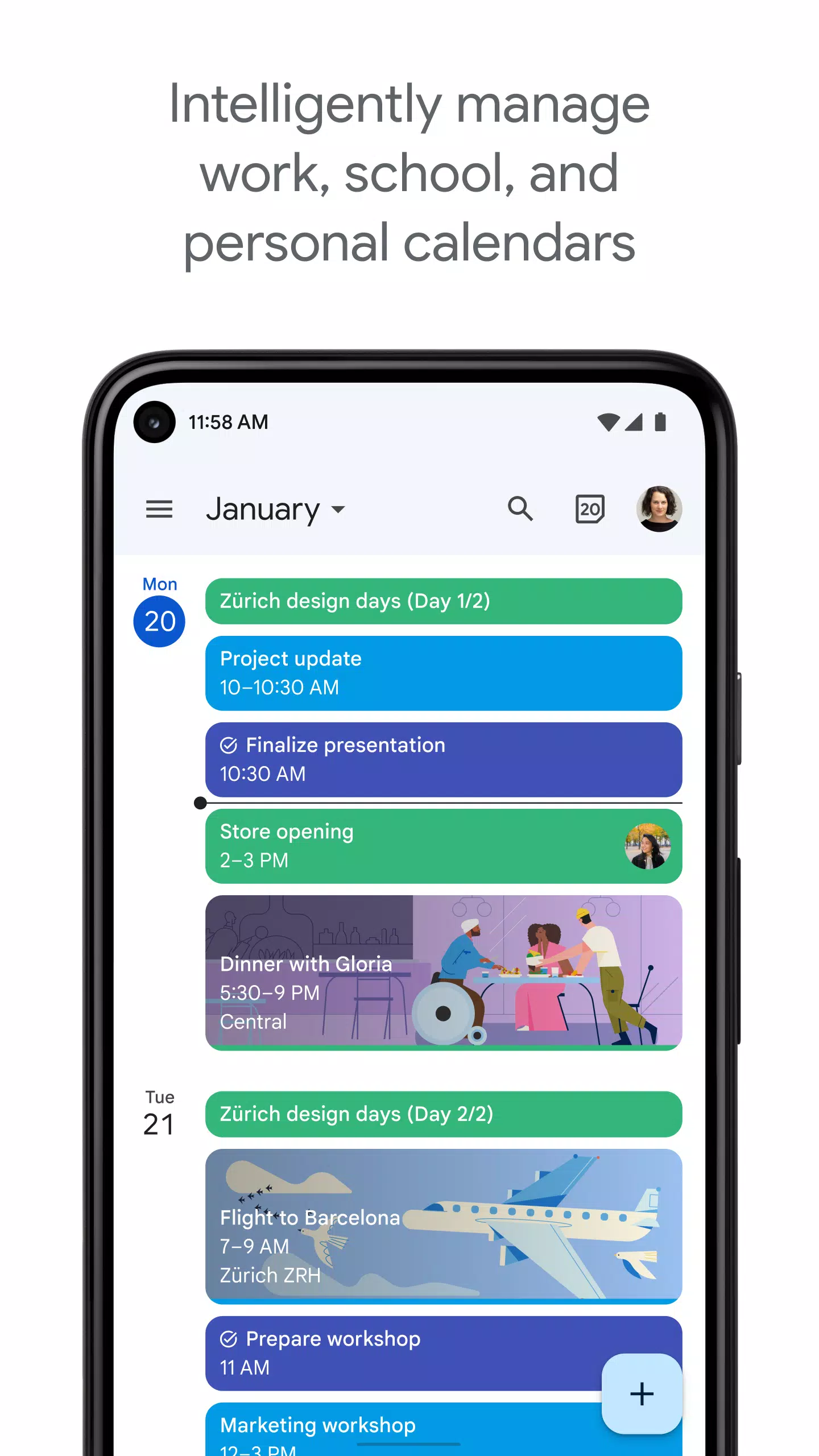
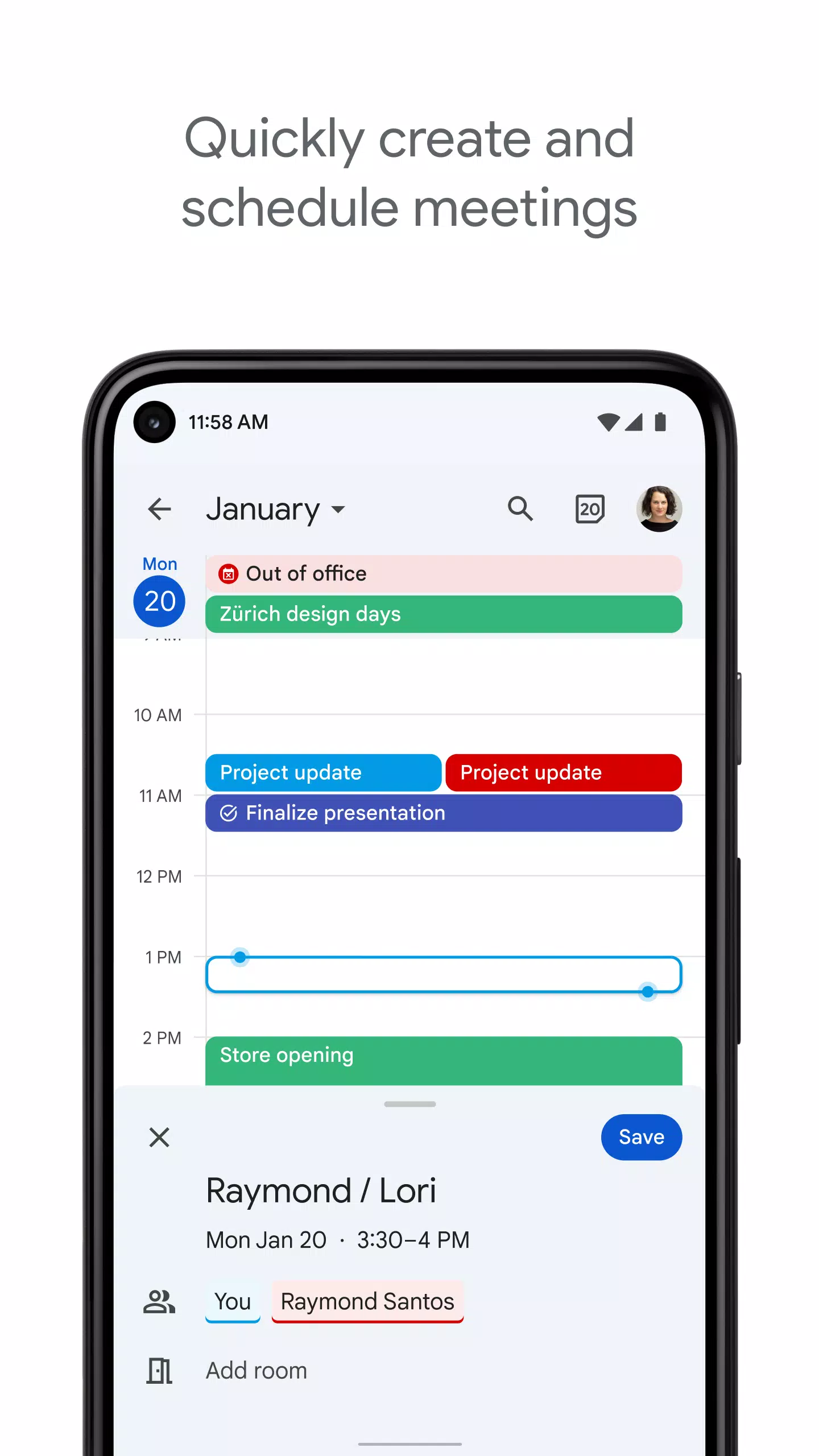
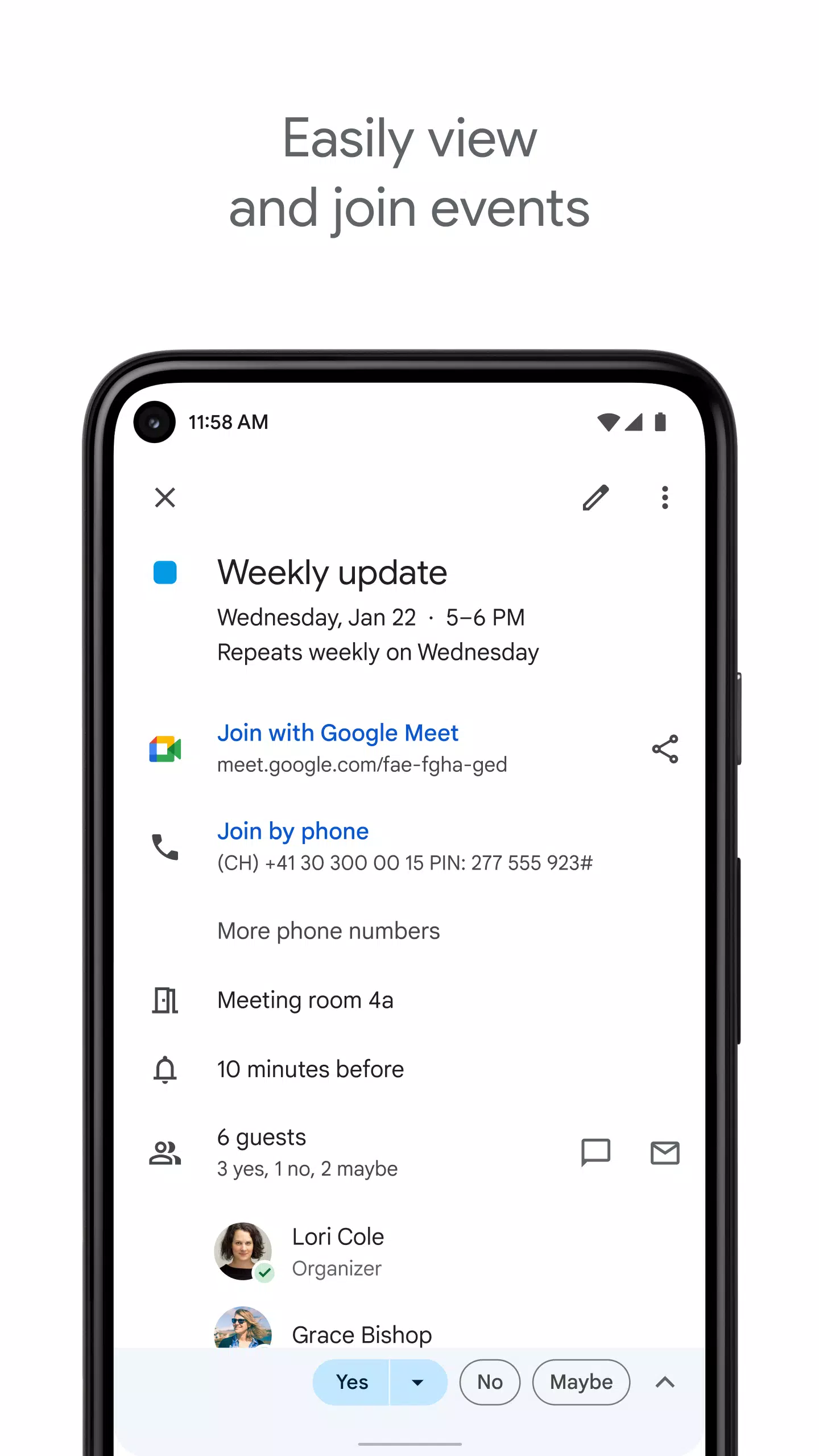
Google Calendar is a vital productivity tool that helps you stay organized and on top of your schedule. Its intuitive interface lets you conveniently check appointments, add new events, and review your upcoming plans directly from your Android phone or tablet.
Key Features of Google Calendar:
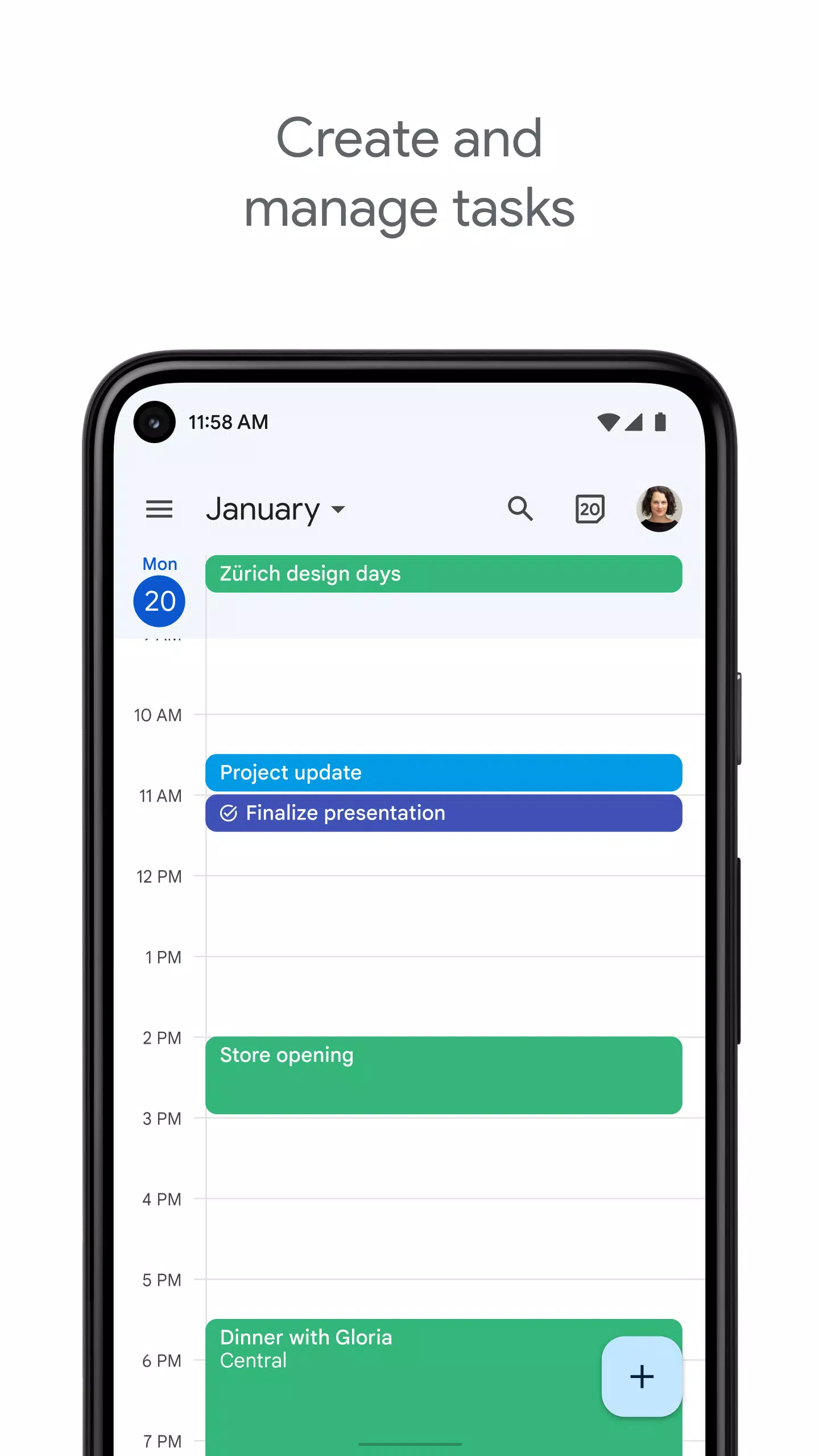
Toggle between different calendar views: With a simple tap, you can quickly switch between month, week, and day views to get an instant overview of your schedule. This allows you to see the full month for planning while also examining your daily agenda in detail.
Automatically imports events from Gmail: When you make flight, hotel, or restaurant reservations, these events are automatically added to your calendar. This feature saves you time and effort by eliminating the need for manual entry.
Create, manage, and view your tasks and events: Keep track of both appointments and to-dos in one convenient place. You can enhance tasks with subtasks, due dates, and notes, and easily mark them as completed.
Share your calendars with others online: Publish your calendars on the web to easily share your availability. Whether coordinating with clients or making plans with friends and family, sharing your calendar streamlines scheduling.
Integrates with all calendars on your phone, including Exchange: Consolidate all your events and appointments in one location without switching between different calendar apps.
Part of Google Workspace: For businesses and teams, Google Calendar is an essential component of Google Workspace. It enables quick meeting scheduling by checking colleagues' availability or overlaying multiple calendars in one view. You can also check the availability of meeting rooms and shared resources, share full event details, and access your calendar across all your devices, keeping everyone connected and informed.
What's New in the Latest Version 2024.42.0-687921584-release
Last updated on Oct 24, 2024
This update includes minor bug fixes and performance improvements. Install or update to the latest version to experience these enhancements!
Screenshot
Reviews
Apps like Google Calendar










Trending apps







Top News







Latest Apps





Latest Articles