Application Description
* Supports 20+ 2D/3D CAD formats and converts PDF to DWG or DWG to PDF.
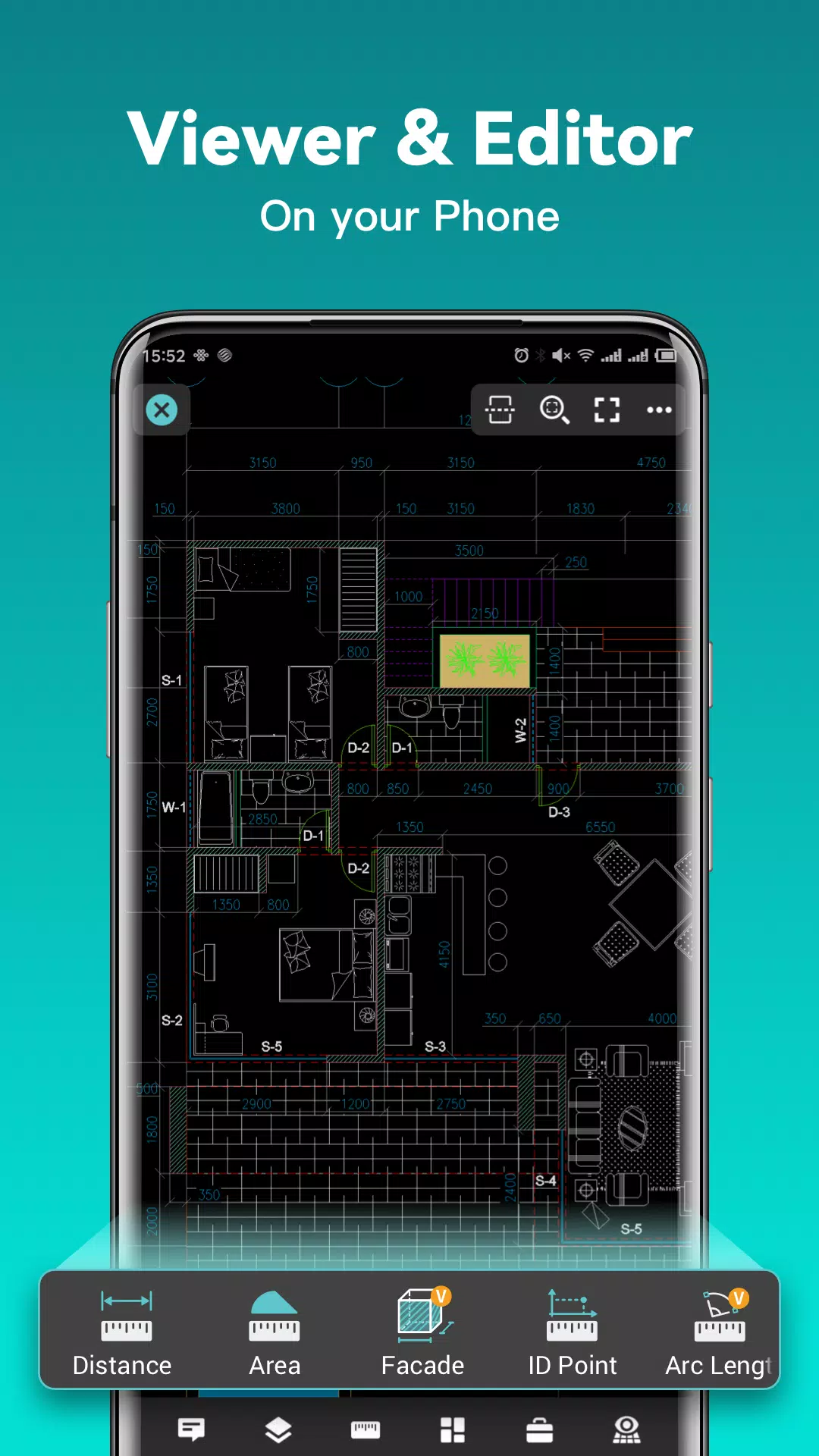
DWG FastView is a versatile cross-platform CAD solution that meets designers' needs across various scenarios, with full compatibility for DWG and DXF files. It offers a comprehensive suite of CAD tools—including editing, viewing, measuring, dimensioning, text search, and more— empowering you to perform real CAD tasks on the go and enjoy an exceptional mobile CAD experience.
View, edit, create, and share all your CAD drawings, sync them to the cloud across multiple devices with a single click, and join over 70 million users worldwide in designing anytime, anywhere.
Key Features of DWG FastView
(1) Fast, Accurate Access to Your Drawings
• Create, view, and edit drawings with intuitive, advanced tools.
• Supports all DXF & DWG versions from AutoCAD with no file size restrictions.
• Easily view AutoCAD DWG and DXF files with complete AutoCAD compatibility.
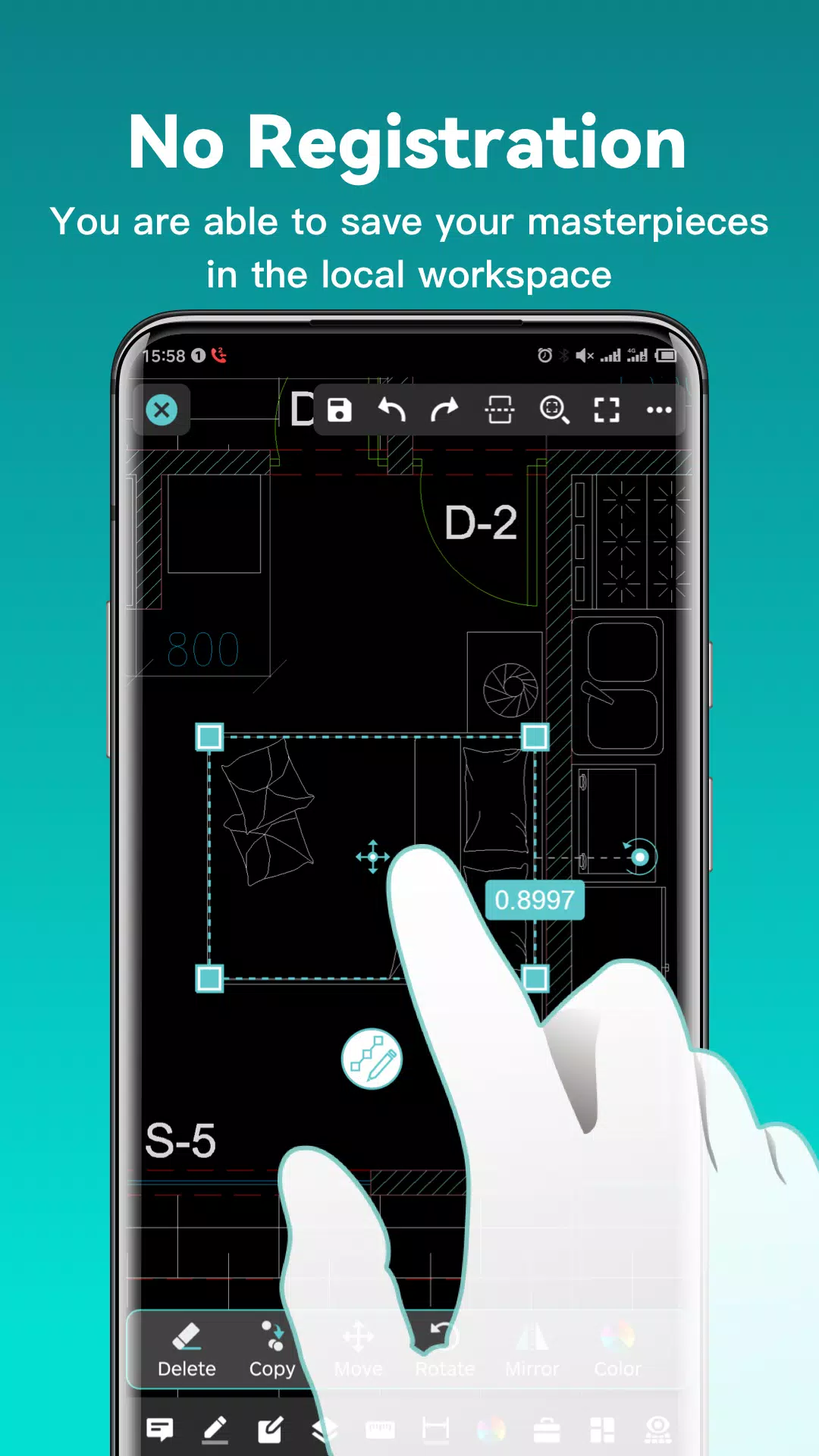
(2) No Registration Required & Offline Access
• Get started immediately—no registration needed.
• Save your work locally in the workspace for offline access.
• Open, view, edit, and share drawings from email, cloud services, or network drives like Dropbox, OneDrive, Google Drive, Box, and WebDAV when connected to the internet.
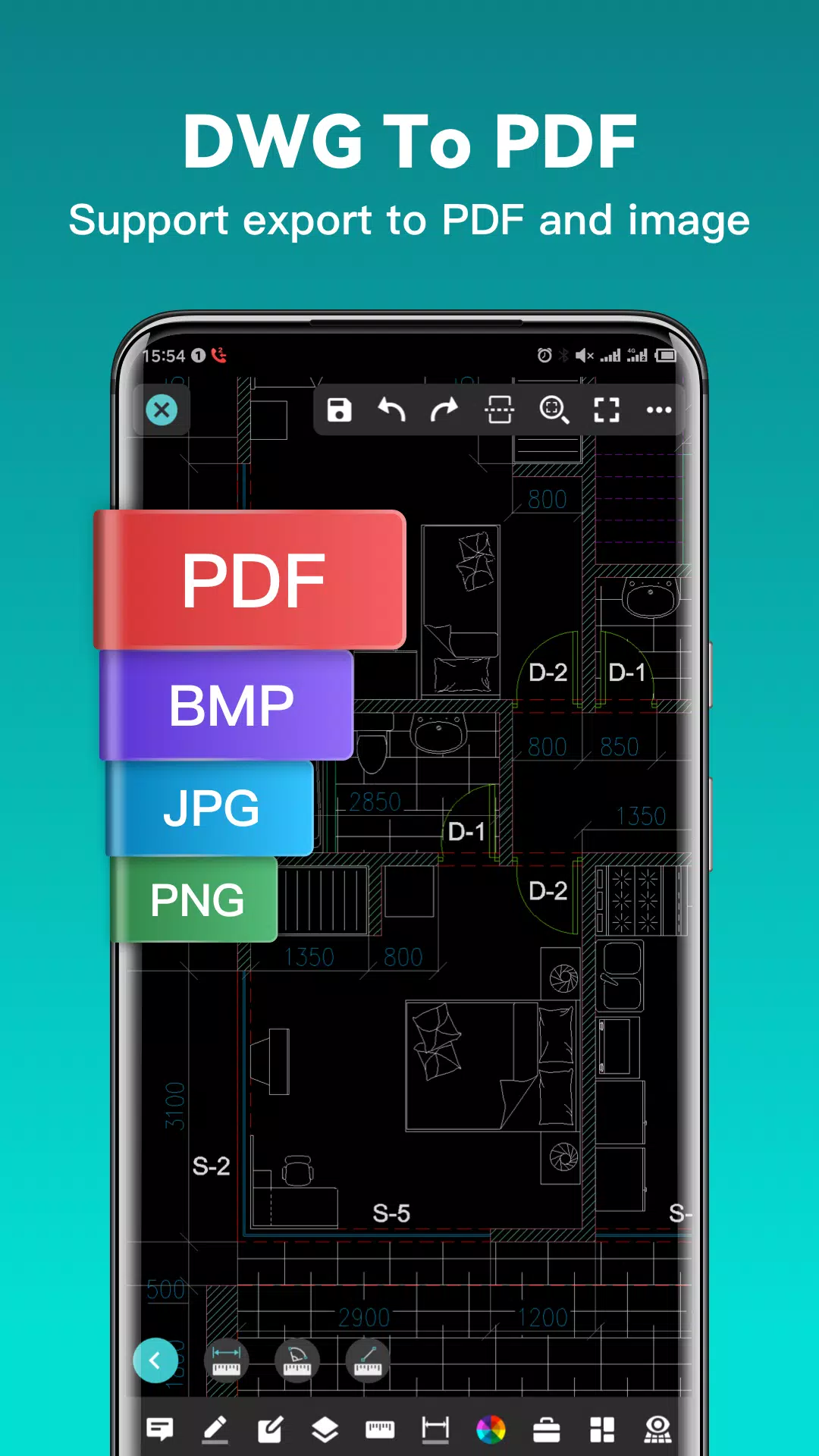
(3) Export to PDF, BMP, JPG, and PNG—Share Freely
• Convert CAD drawings to PDF and customize paper size, orientation, color, and more.
• Convert CAD drawings between different versions.
• Convert PDF files to DWG format.
(4) Complete CAD Work on Mobile
• Perform operations like move, copy, rotate, scale, recolor, measure objects, track management results, manage layers, and use Layout.
• Utilize advanced drawing and editing tools such as trim, offset, dimension, and text search.
• Set precision and display formats for coordinates, distances, and angles.
• Zoom in and out by pinching or spreading two fingers.
• Import or download drawings with associated fonts and symbols to ensure all special characters display correctly.
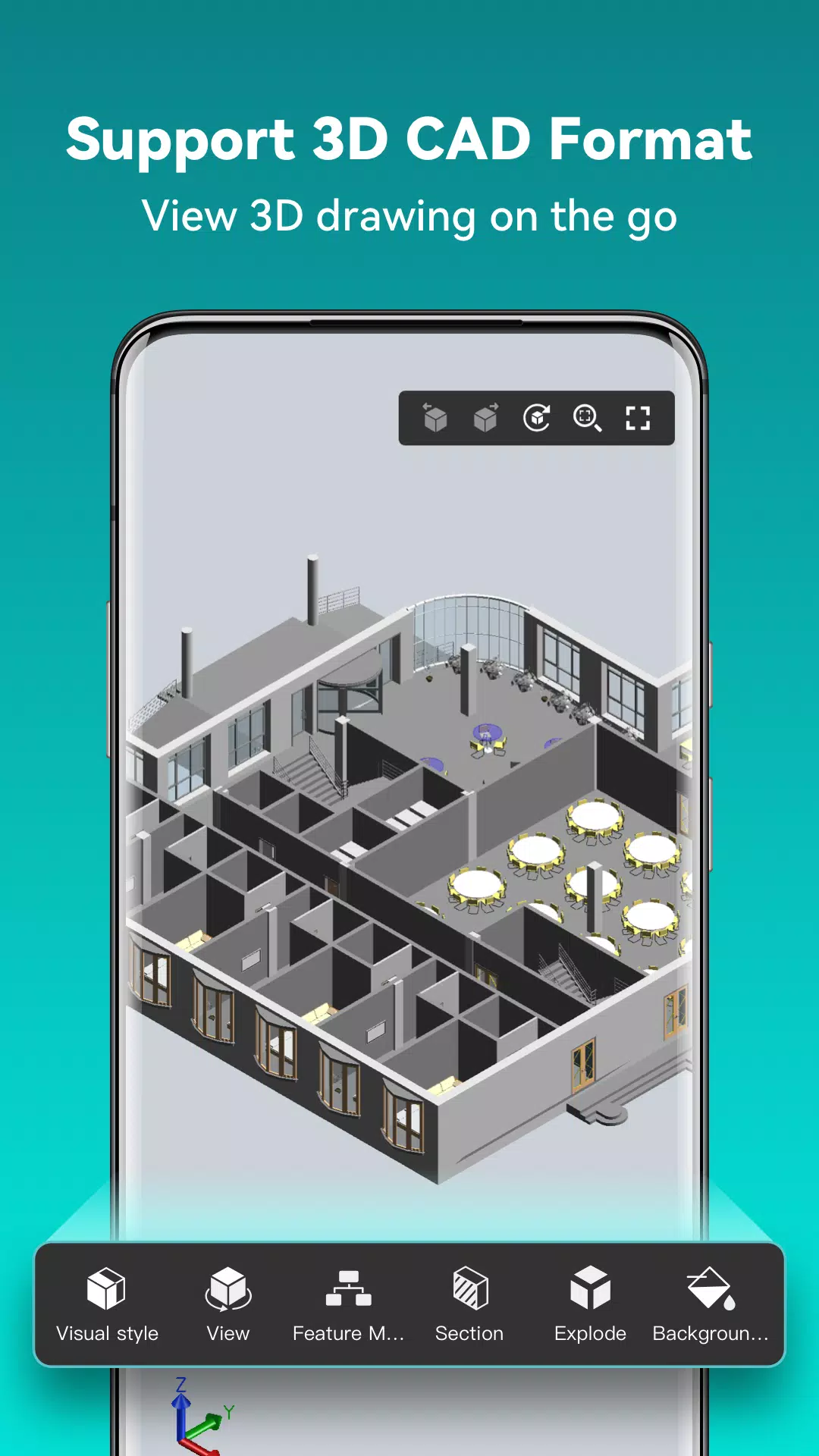
(5) Seamlessly Switch Between 2D and 3D Visual Modes—3D modes include Wireframe, Realistic, and Hidden with robust Layer, Layout, and multi-perspective viewing tools.
• View 3D models and multiple CAD file formats including RVT, Solidworks, Creo, NX, CATIA, Inventor, SolidEdge, and over 20 others.
• Rotate 3D models by touch to inspect them from any angle; tap to stop rotation and lock the optimal view.
• Use the magnifier tool by touching the drawing area to zoom in on details and easily snap to objects.
(6) Precision Drawing Controls
• Input exact coordinate values to move points with precision.
• Support for 2D absolute, relative, and polar coordinates, plus 3D spherical and cylindrical coordinates.
• Draw lines, polylines, circles, arcs, text, revision clouds, rectangles, and sketches, and add notations.
(7) Reliable Support When You Need It
• Tap the “Feedback” button to email technical questions directly to our support team.
Upgrade to DWG FastView Premium for advanced editing and professional tools. Subscription options include:
• Premium/Super monthly plan
• Premium/Super annual plan
Download a FREE trial of the premium version to unlock the most advanced and user-friendly drafting, drawing, and editing tools available.
Facebook: https://www.facebook.com/DWGFastView
Email: [email protected]
Terms of use: http://www.gstarcad.net/About/Terms-of-use
Privacy policy: http://www.gstarcad.net/privacy/
Screenshot
Reviews
Apps like DWG FastView-CAD Viewer&Editor













Trending apps








Top News







Latest Apps





Latest Articles