Xiaomi's WinPlay Engine Brings PC Gaming to Android
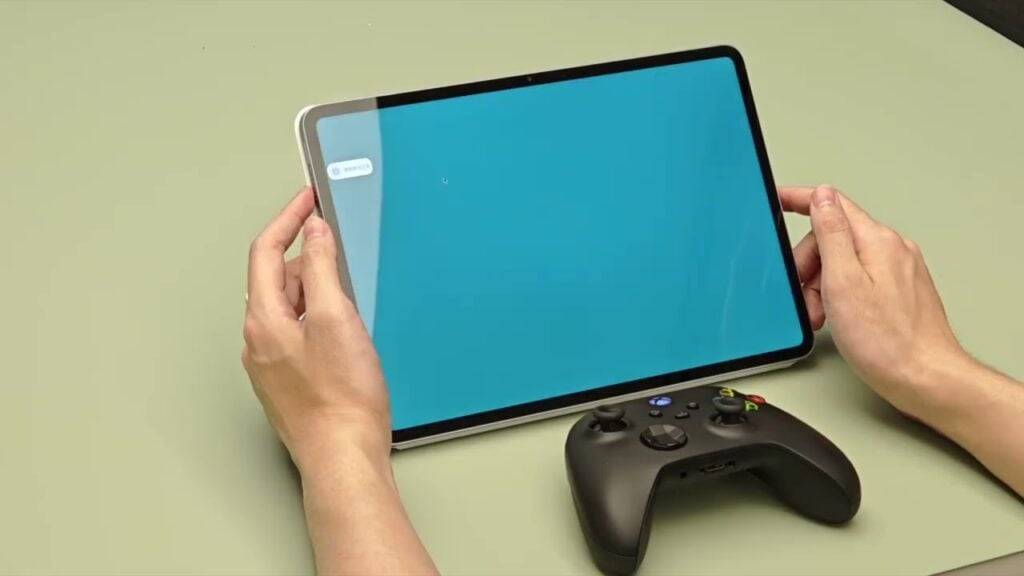
Xiaomi has unveiled its latest innovation, the WinPlay Engine. This clever tool enables users to run Windows games locally on Android tablets with remarkably little performance degradation. Currently in beta, it is exclusively available on the Xiaomi Pad 6S Pro.
Despite its early stage, the technology shows great promise. The WinPlay Engine utilizes a three-layer virtualization architecture built upon Xiaomi's HyperCore kernel. This framework empowers the Snapdragon 8 Gen 2-powered Pad 6S Pro to execute Windows-based games.
What Makes it Tick?
Xiaomi claims a mere 2.9% loss in GPU performance, a minor compromise for the flexibility of enjoying PC games on a tablet.
The WinPlay Engine also incorporates features that improve usability. With support for Steam, you may gain direct access to your existing PC game library, though seamless compatibility details are still emerging.
Furthermore, the engine works with Bluetooth accessories like keyboards, mice, and even Xbox controllers that include vibration feedback. Local multiplayer sessions for up to four players are also supported.
The current setup process requires some manual steps. You must purchase games on platforms like Steam or GOG, transfer the game files to your tablet, and launch them via the AI Treasure Box app. As it's still in beta, it isn't a plug-and-play solution just yet.
For the time being, the WinPlay Engine remains a unique feature of the Xiaomi Pad 6S Pro, with no announced timeline for a wider release to other devices. Nonetheless, the prospect of playing Windows games on an Android tablet with near-native performance is undoubtedly appealing.
Discover more about it here. Also, explore our next story on Crunchyroll adding Tengami, a puzzle game inspired by Japanese folklore that recreates the experience of a pop-up book.