Descripción de la aplicación
Here's a clear, concise, and professional summary of DWG FastView, optimized for users, marketers, or technical documentation:
📌 DWG FastView – The Ultimate Mobile CAD Solution
View, edit, create, and share CAD drawings anytime, anywhere — with full AutoCAD compatibility and no registration required.
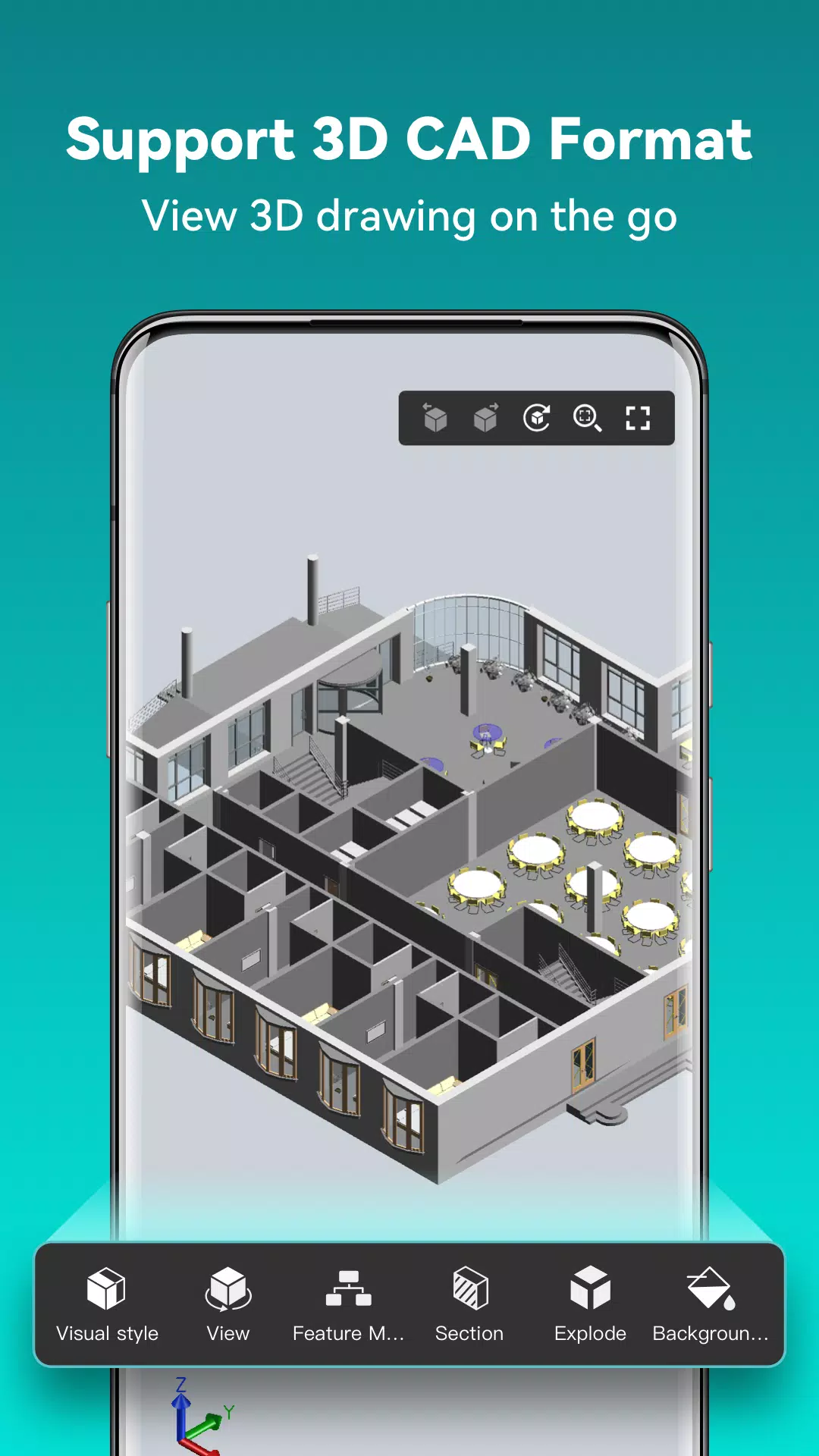
With support for 20+ 2D/3D CAD formats (including DWG, DXF, RVT, SolidWorks, CATIA, Inventor, Creo, NX, SolidEdge, and more), DWG FastView is the go-to cross-platform CAD app for engineers, architects, designers, and drafters worldwide — trusted by over 70 million users.
✅ Key Features
1. Full AutoCAD Compatibility
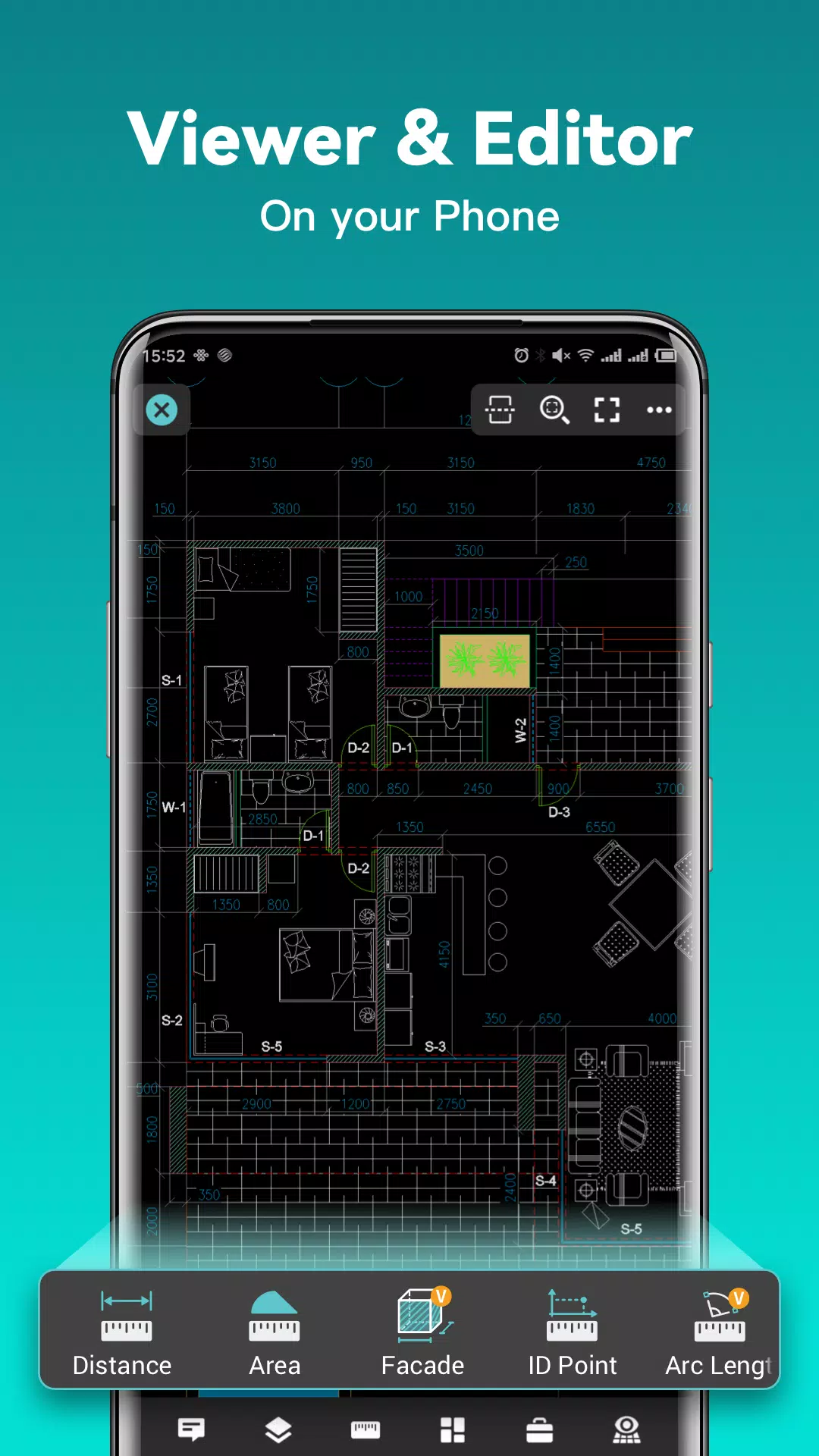
- Open, view, edit, and create DWG & DXF files from all AutoCAD versions — no file size limits.
- Full support for 2D & 3D CAD drawings, including layers, layouts, blocks, and xrefs.
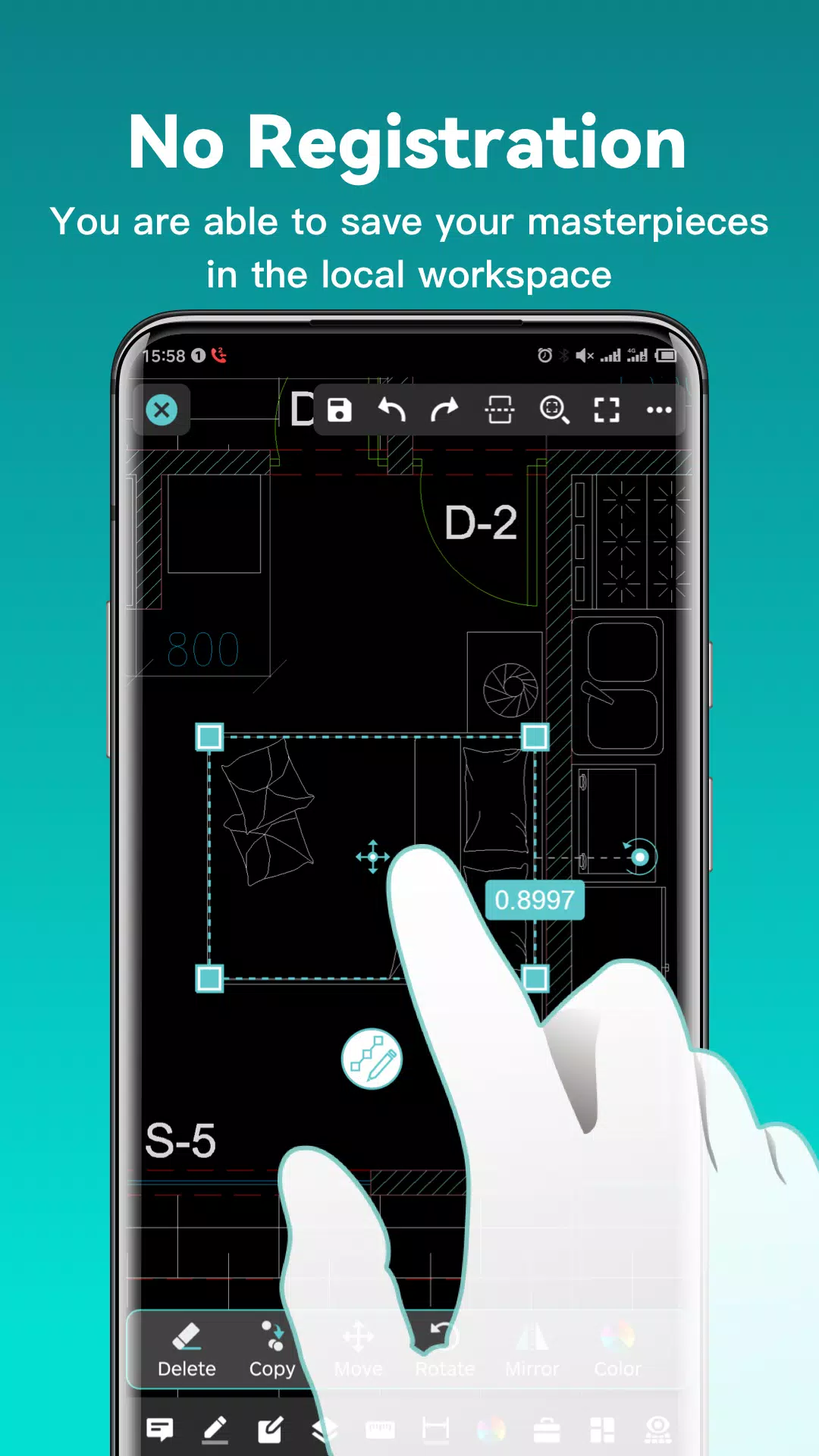
2. No Registration. Fully Offline.
- Start instantly — no sign-up needed.
- Works offline: access and edit drawings anytime, anywhere.
- Sync across devices via Dropbox, OneDrive, Google Drive, Box, WebDAV, and more.
3. Seamless File Export & Conversion
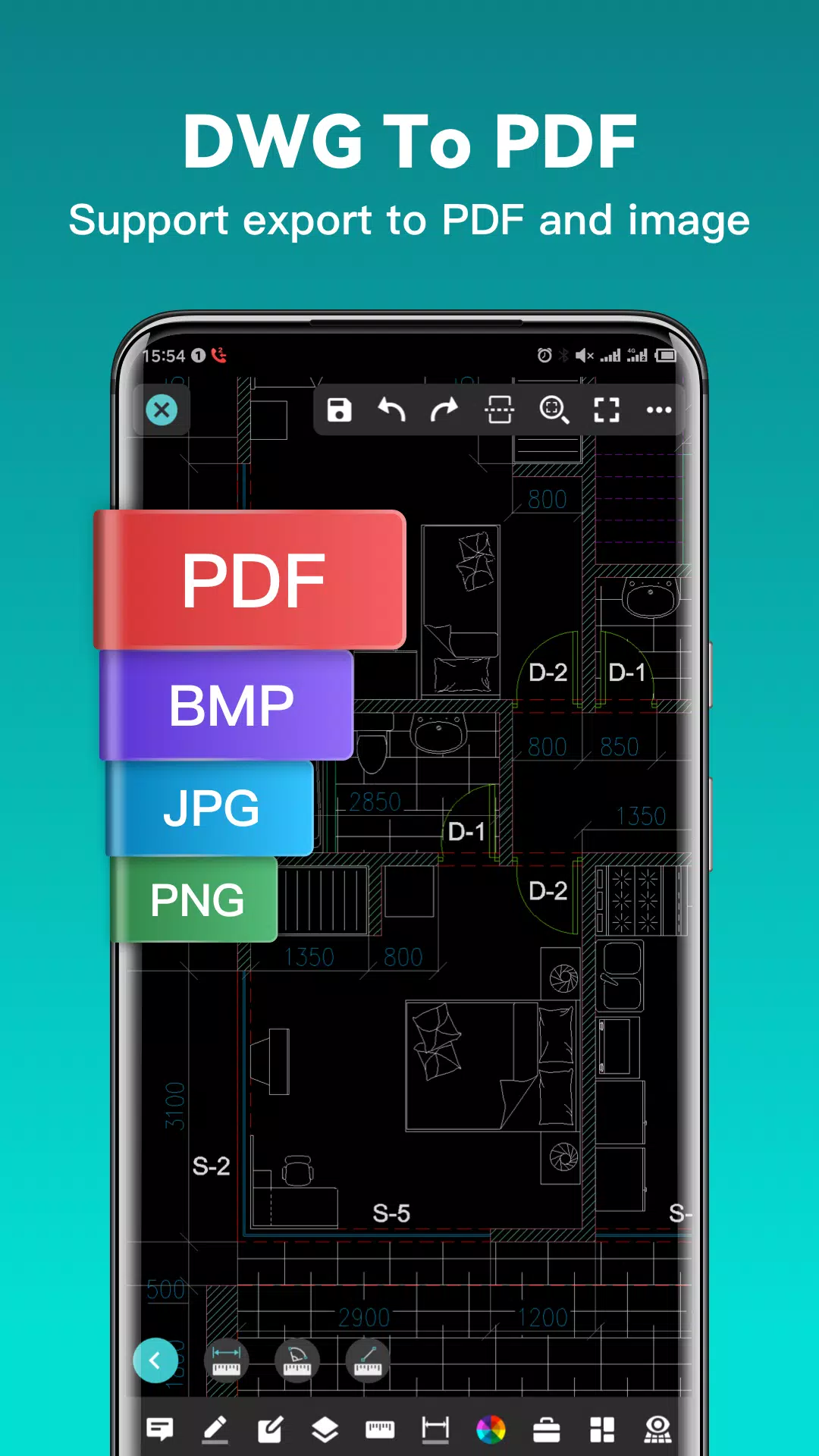
- Export drawings to PDF, JPG, PNG, BMP — customize paper size, orientation, color, and scale.
- Convert PDF to DWG and DWG to PDF with precision.
- Switch between CAD formats and versions effortlessly.
4. Advanced Mobile CAD Tools
- Perform real CAD tasks: move, copy, rotate, scale, trim, offset, dimension, measure, and text search.
- Full layer management, dynamic coordinate input, precision tracking, and object snapping.
- Use absolute, relative, polar, spherical, and cylindrical coordinates for accurate drafting.
5. Powerful 2D/3D Visualization
- Toggle between 2D and 3D modes with Wireframe, Realistic, and Hidden Line views.
- Explore 3D models with multi-perspective navigation, touch rotation, and magnifier tool for detail inspection.
- View complex models from any angle — ideal for design review and collaboration.
6. Intuitive & Touch-Optimized Interface
- Zoom via pinch-to-zoom.
- Tap to lock rotation and focus on key details.
- Import drawings with embedded fonts and symbols for perfect rendering.
7. Expert Support & Reliability
- Tap “Feedback” to send questions directly to our support team.
- Trusted by professionals across AEC, manufacturing, and engineering industries.
💼 Upgrade to DWG FastView Premium
Unlock advanced tools for professional workflows:
- Premium/Super Monthly or Annual Subscription Plans
- Advanced editing, batch conversion, enhanced layer controls, and more.
👉 Download a FREE Trial of the Premium version and experience the most powerful, user-friendly mobile CAD platform available.
🔗 Connect With Us
- Facebook: facebook.com/DWGFastView
- Email: [email protected]
- Terms of Use: gstarcad.net/About/Terms-of-use
- Privacy Policy: gstarcad.net/privacy/
Design Anytime. Anywhere. With DWG FastView.
👉 Download today and revolutionize your mobile CAD experience.
Let me know if you’d like a shorter version for app store listings, social media post, email campaign, or PDF brochure!
Captura de pantalla
Reseñas
Aplicaciones como DWG FastView-CAD Viewer&Editor











Aplicaciones de moda








Noticias principales







Últimas aplicaciones





Últimos artículos